Cameras That Hold Up. Footage You Can Actually Use.
Most commercial camera systems fail on the one day they matter. The recording exists. The face is eight pixels wide, the plate is a smear, and the retention window rolled over two days before anyone asked for the clip. That is not a camera problem. It is a design problem — wrong lens, wrong mounting height, wrong storage math, and nobody ever calculated how many pixels would land on a face at that distance. We design backward from the question you will eventually ask: who was that, and what did they do?
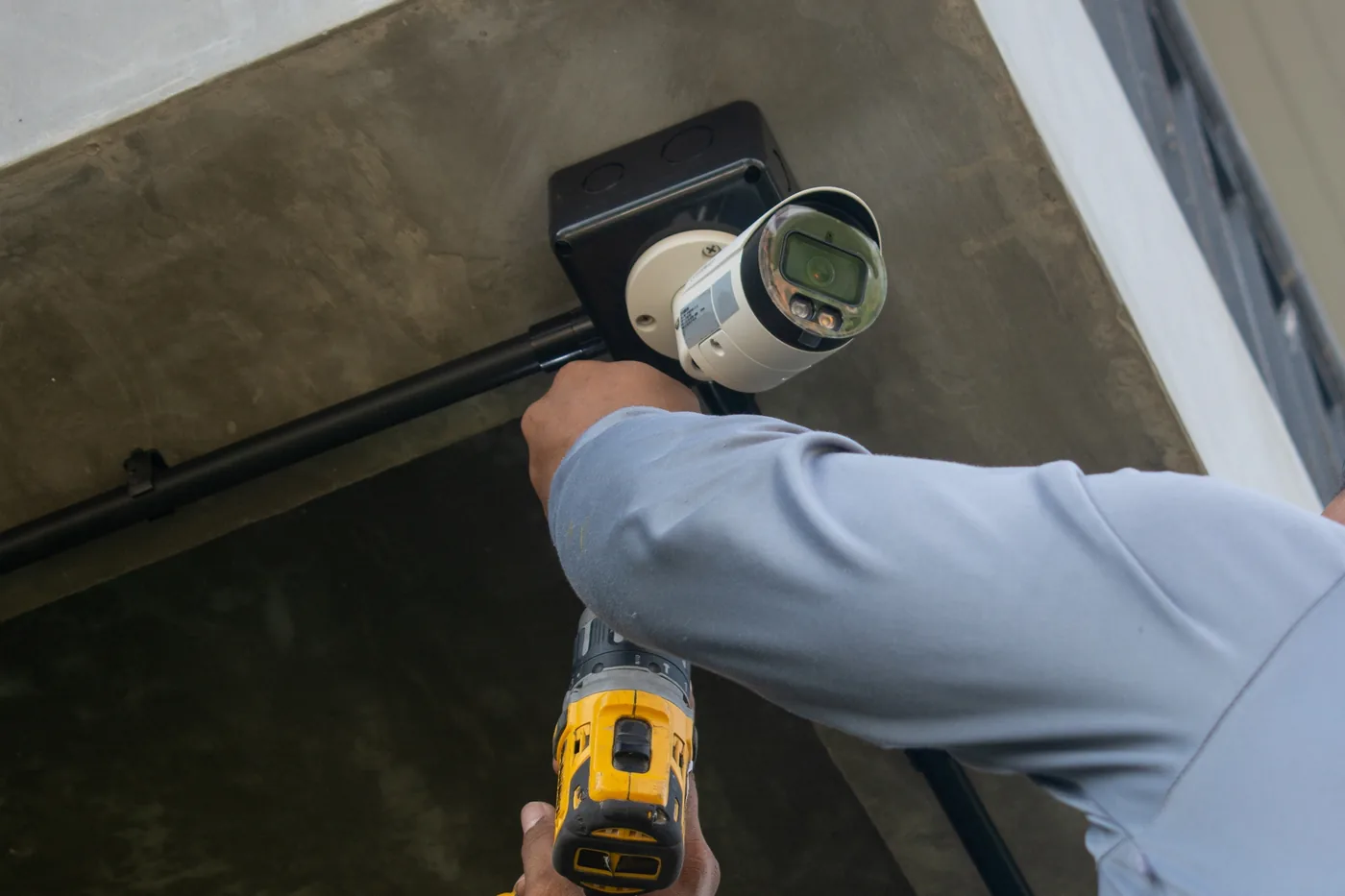
Commercial Security Camera Installation
What a Commercial Surveillance System Actually Is
Cameras, each assigned a job
Every camera on a good drawing has a stated task — overview, recognition, identification, or plate capture. A camera without a task is a camera nobody chose a lens for. That is how a building ends up with forty cameras and no usable evidence.
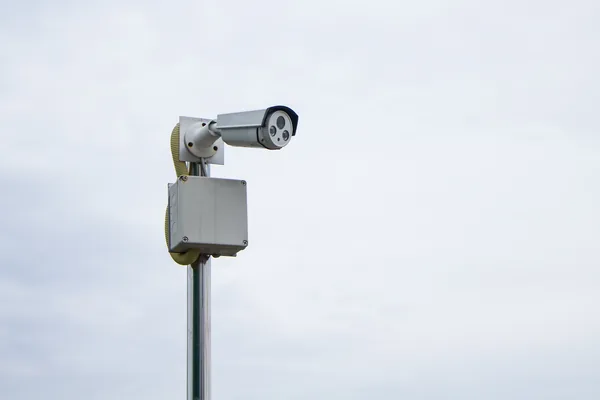
The recorder & the network under it
An appliance NVR is the simple answer under sixteen channels. A software VMS buys analytics depth, multi-site federation and integration. Cloud removes the server. All three are PoE loads, and surveillance is the most common reason a PoE budget gets blown — camera VLANs and switch capacity live on our commercial WiFi and networking page.

Intrusion detection, & what belongs on the other page
Contacts, motion, glass break, and a panel with a supervised path. Cameras tell you what happened; a panel tells you it is happening now. Readers, locks, egress hardware and audit logs live on our commercial access control page.
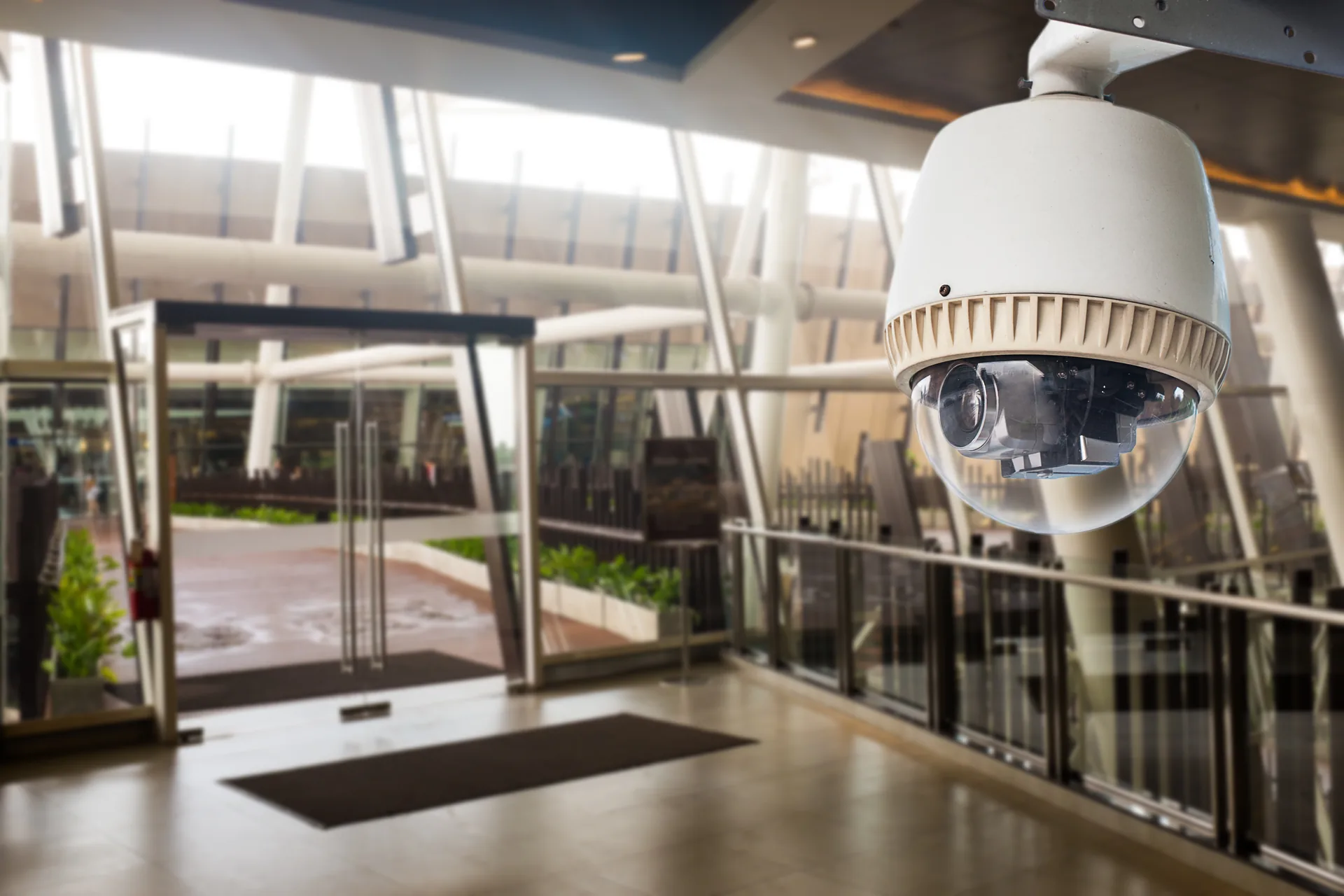
Pixels Per Foot. The Number Nobody Else Publishes.
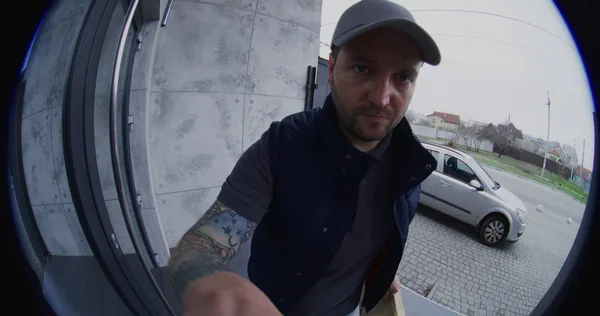
Image usefulness is arithmetic. Divide horizontal pixel count by scene width in feet. That is pixels per foot.
- 20 PPF — overview. You see that someone walked between two cars. You cannot say who.
- 40 PPF — recognition. You can identify someone you already know.
- 60–80 PPF — identification. You can identify a stranger.
- 60+ PPF on a dedicated camera — plate capture, with shutter and IR control a general-purpose camera does not have.
A 4MP camera is 2,688 pixels wide. On a 25-foot vestibule: 107 PPF, identification. On a 70-foot dock: 38 PPF, recognition only. On a 130-foot parking row: 21 PPF, overview only. Same camera, three answers. The variable you control is the lens: a 2.8mm sees about 100 degrees, a 12mm about 28. At 60 feet the 12mm covers 30 feet at 90 PPF; the 2.8mm covers 140 feet at 19. Wide angle is cheap coverage and expensive evidence.
Storage math, out loud
Bitrate fills drives, not resolution. A 4MP camera at 15 fps in H.265 averages about 4 Mbps.
GB per camera per day = (average Mbps × 10,800) ÷ 1,000
That is 43.2 GB per day. Twenty-four cameras over thirty days is 31.1 TB, so you specify 40 TB usable, not 31. Dock cameras with forklifts running all shift exceed that average by half. Stairwell cameras fall under it.
Retention — required versus assumed
Ninety days is the number people repeat and rarely the requirement. No blanket statute sets a retention period for a typical private business. Real obligations come from license conditions, franchise standards, your insurance carrier, customer contracts and card-industry rules — PCI DSS expects video of sensitive areas retained at least three months. Confirm against your license and your QSA, not a blog post. Then decide on purpose: longer retention costs drives and creates more discoverable record.
Analytics that work versus analytics that are a slide deck
Line crossing, intrusion zone, dwell, direction of travel, people counting and person-versus-vehicle classification are mature, run on the camera itself, and hold up once tuned. Tuning is the work — headlights sweeping a wall, a flag in the wind, a spider building a web across an IR dome. Be skeptical of “AI threat detection”: weapon detection false-positives at a rate demanding a verification workflow you probably do not staff, and face recognition raises a consent question before it delivers a benefit.
POS exception reporting, evidence export and privacy
Overlay transaction data onto video and search it — no-sales, voids, price overrides and receiptless returns become searchable events with the clip attached. Most shrink investigations start at the register, not the back door.
Export in the native container with the hash intact, plus the player and a written export log. Never a phone video of a monitor. Multi-site runs as a cloud tenant with site groups or an on-premise VMS federating recorders, each site recording locally so a WAN outage loses nothing.
No cameras in restrooms, locker rooms or changing areas, ever. Audio is the sharper legal risk, so microphones ship disabled and go live only at a transaction counter with posted notice.
Ice, Glare and a Parking Lot That Is Dark at 5pm
Integrated IR and falling snow do not mix. The illuminator sits inches from the lens, snow throws it straight back, and you record white streaks over a blown-out foreground. Move the light off the lens — offset external illuminators, or a low-lux color-at-night camera with real site lighting.
Mount under the soffit, not on open fascia. A dome under an overhang stays clear of glazing and meltwater, and — the part nobody thinks about until February — is serviceable from a ladder instead of a lift.
Watch the shutter, not the megapixels. After sunset a camera slows its shutter to gather light, and at 1/8 second a walking person is a smear. Lock minimum shutter at 1/60 or faster on any camera you need faces from, then add light. In December that camera works in the dark from roughly 5pm through the evening customer window and the whole second shift. A 4MP camera with a large sensor and an F1.0 lens beats a 4K camera with a slow lens every night of a hard winter.
Plate capture is a different problem in February. Road salt films plates over and slush covers them entirely. LPR that reads at 96 percent in July will not in January. Put the camera where vehicles are slow and close, and budget a dedicated unit.
How The Work Actually Goes.
Site walk and risk map
Free, on site, dock and back lot included. We leave with a task assigned per camera, not a quantity.
Design and submittal set
A camera schedule with mounting height, lens, field of view and calculated PPF per position, plus the storage calculation and retention target in writing. It keeps RFIs from becoming change orders.
Rough-in coordination
Conduit, backboxes and pathway in the bid set before drywall, positions coordinated against lighting, sprinkler heads and duct before the ceiling grid closes.
Cable, terminate, test
Home runs to the IDF, plenum-rated where the ceiling is a return plenum. Every drop tested and labeled.
Install, aim, commission
Aiming happens at the hour the camera has to perform, and we check night performance at night.
Training and handoff
As-builts, the final camera schedule, the retention policy, export training, and credentials in your name.
New Build Versus Occupied Space
New construction and vanilla box. Get us in the bid set. Conduit and backboxes at rough-in, home runs while the ceiling is open, plenum-rated cable where required.
Tenant improvement and occupied space. Work happens after hours or in phases so your floor is never dark. We reuse pathway wherever it certifies, fire-stop every penetration, and stage the cutover so the old system records until the new one is verified. In multi-tenant buildings we clear landlord approvals first — that is the step that slips.
FREQUENTLY ASKED QUESTIONS
Questions We Get Before Every Commercial Camera Project
Between 18 and 30 for most retail and light-industrial buildings, but quantity is the wrong starting question. Start with tasks: every exterior door, the dock, the cash handling area, the stockroom and overview coverage of the lot. Assign each position a task and the lens and quantity fall out of it.
Use this formula: GB per camera per day equals average Mbps times 10,800, divided by 1,000. A 4MP camera at 15 fps in H.265 averages about 4 Mbps, which is 43.2 GB per day. Twenty-four of those over thirty days is 31.1 TB, so you specify 40 TB usable to cover RAID overhead and busy scenes.
It depends on scale. On-premise recording keeps footage on hardware you own. Cloud buys no server to patch, an off-site copy and automatic updates, which is worth a lot to a business without IT staff. We walk through both options for your camera count during the consultation.
Yes, when we are in the bid set. Our conduit, backbox and pathway requirements reach the GC before drywall, we attend the OAC calls, and we answer RFIs in writing. One accountable team means the schedule is ours to hold.
Us. One number, our own crews, and the technician who answers has the as-builts for your building. On our 24/7/365 service plans, after-hours calls are triaged that night — most camera and recorder issues resolve remotely, and anything needing hands on site is scheduled first thing. Service-plan clients get priority response and monitoring. See our service plans.
Video in general work areas is legal and normal with posted notice and a written policy. Audio is the real exposure, so we ship microphones disabled and enable them only at a transaction counter with clear signage. Cameras never go in restrooms, locker rooms or changing areas.
One Contract. One Crew. One Number to Call.
You are not buying cameras. You are buying the ability to answer a question six months from now, on a day you did not plan for. Book a free on-site consultation. We will walk the building, assign a task to every camera position, and put a clear package quote in front of you.