Home Security That Records. Footage That Holds Up.
Most home security systems fail at the exact moment they were bought for. The camera was aimed at the driveway, but the plate is nine unreadable pixels wide. The doorbell caught a hood and a shoulder. The recorder overwrote the night in question six days ago, because nobody sized the drive.
You do not find out until you need the footage. We design camera and alarm systems around what you will have to prove, and install them with our own crews. No shortcuts.
RESIDENTIAL SERVICES
What a Home Security System Actually Includes.
The Recorder, and Where Footage Lives
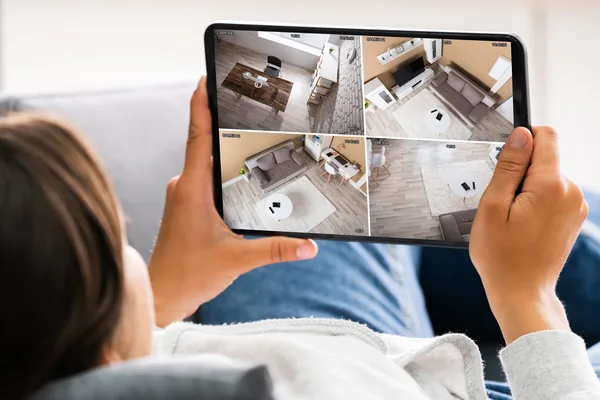
An NVR records on your property, on drives you own, no monthly fee attached to the footage. Cloud keeps clips off site, so a stolen recorder is not a lost case, but it is a subscription and it stops when your internet does. We use both: local NVR as the record, cloud on the views that matter most.
Intrusion Detection
Cameras tell you what happened. An alarm panel tells you it is happening now. Door and window contacts, interior motion, and glass break sensors that listen for the two-stage acoustic signature of breaking glass rather than any loud noise. Glass break covers the big fixed windows nobody can open, which is where a contact does nothing.
Cameras and Coverage Planning
Coverage starts with jobs, not counts. Every camera has one assignment: identify a face at the front door, read a plate at the gate, cover the side yard nobody sees from the kitchen. We draw each field of view on your floor plan before anything is ordered.
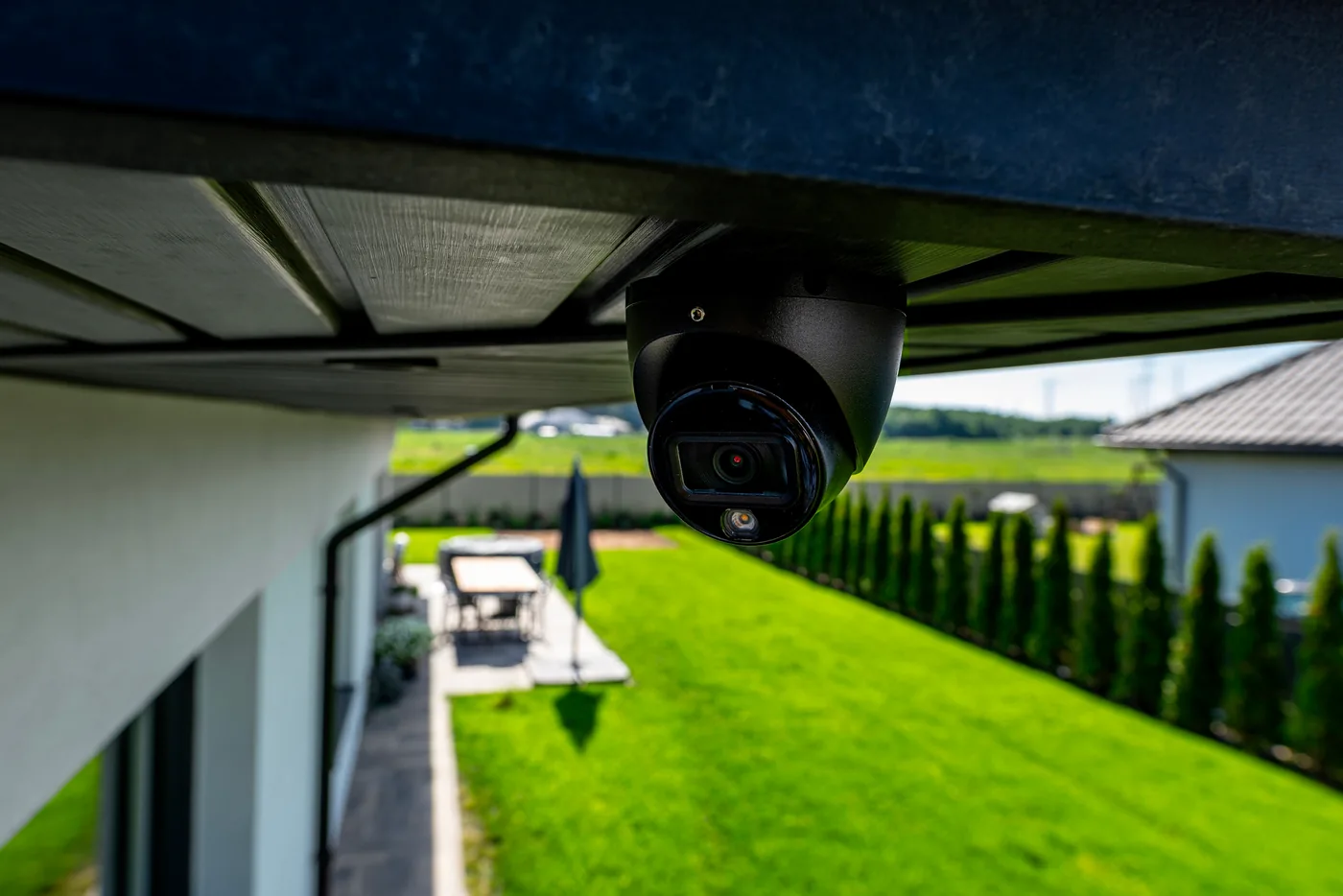
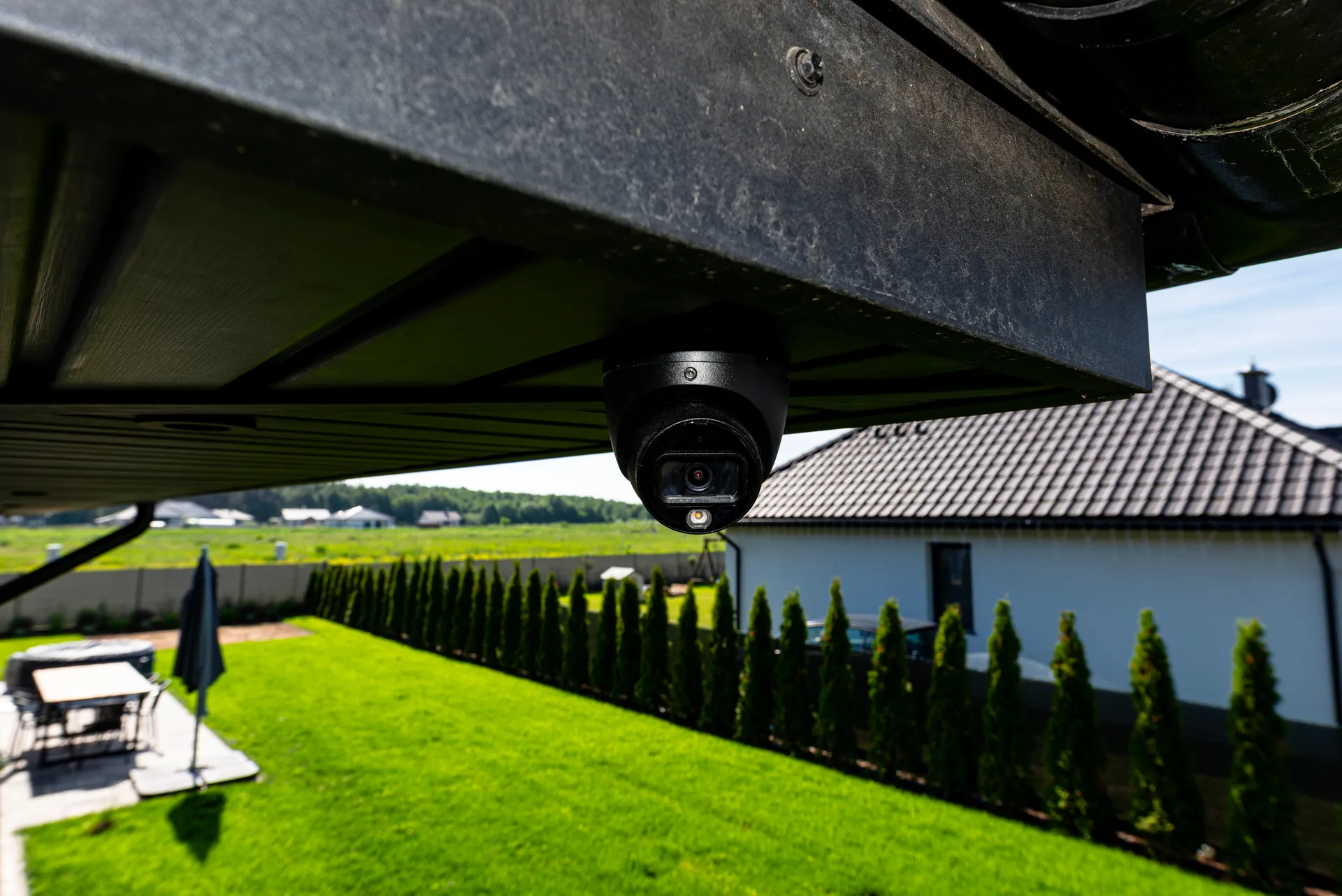
Turrets are our default outdoors. Domes catch IR bounce off their own bubble; bullets collect snow.
Doorbells and Environmental Sensors
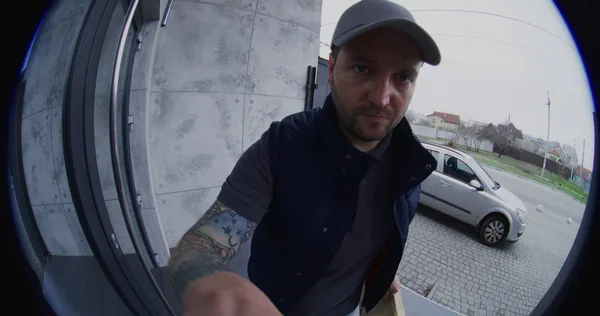
Spec the doorbell for a tall aspect ratio, so you see a package on the porch floor and not just a chest, and wire it to a real transformer rather than a battery you will be charging in February. Then add the cheap sensors that protect the expensive damage: leak pucks under sinks and at the water heater, low-temp alerts on exterior walls, a shutoff on the main.
Smart locks, keypads, gate stations and credentials live on our access control page, because who gets through a door is a different problem from what got recorded.
Resolution Is Not Detail. Focal Length Is.
Most quotes are dishonest by omission here. “4K” is on the box; what decides whether you can identify anyone is pixels per foot across the subject, and the lens sets that. The thresholds we design to:
- Detect a person: roughly 10 to 20 pixels per foot
- Recognize someone you know: roughly 40
- Identify a stranger: roughly 80
- Read a plate at night: 100 and up
Now the arithmetic. A 4K camera puts 3,840 pixels across the frame. Give it the 2.8mm lens almost every camera ships with and you get about a 105-degree view, covering roughly 70 feet of scene at 30 feet out. That is 55 pixels per foot: enough for a person and a jacket color, nowhere near a plate.
Put a 12mm lens on the same camera and the view narrows to about 25 degrees, covering 13 feet at that distance. Now you have 290 pixels per foot, and you gave up everything outside that slice. The answer is never a better camera. It is two cameras: one wide for context, one tight on the choke point.
Night Is a Different Camera
Infrared gives a usable monochrome image in total darkness, but it strips color, so “dark hoodie” is the best description you will get. Low-light color cameras use a bigger sensor and an f/1.0 lens to hold color down around 0.005 lux, roughly a street with a porch light on. Spotlights keep color and blow out anything near the lens. We mix them by elevation.
PoE Budget, and the Failure Nobody Diagnoses
Cameras run on Power over Ethernet, one Cat6 home run carrying data and power, 328 feet maximum. 802.3af delivers about 13 watts at the camera; PoE+ about 25.
Here is the failure we get called to fix. A camera draws 5 watts in daylight and 12 or more at night with IR illuminators and a heater running. An eight-port switch with a 65-watt budget runs eight cameras all afternoon, then drops them at dusk in January when every camera hits full draw. The switch is undersized, not the cameras.
Retention, in Terabytes
A 4K camera recording H.265 continuously runs about 8 Mbps, or roughly 86 GB per camera per day. Eight cameras is about 690 GB a day, so 30 days needs around 21 TB. Smart-codec motion recording cuts that 40 to 60 percent, so most systems hit 30 days on 12 to 16 TB. Use surveillance-rated drives; a desktop drive fails in year two, quietly.
What a Hard Winter Does to an Outdoor Camera.
Infrared and falling snow do not get along. IR illuminators light up every flake within a few feet of the lens, the image turns to white streaks, and auto-exposure hunts chasing them. The fix is placement: back the camera under cover so snow is not falling through the beam.
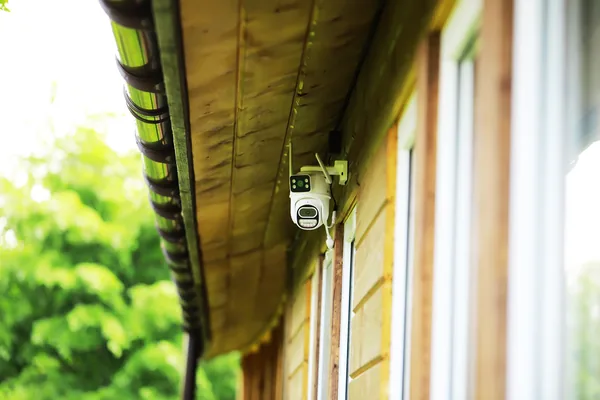
Cameras belong under the soffit, not on open fascia. Fascia mounting puts the lens under the gutter line. Ice dams form, meltwater runs over the lip and refreezes on the housing overnight, and you have a frosted camera until mid-afternoon. Soffit mounting shelters the lens and gives a clean cable route into the attic.
Sub-zero needs a heater, and a heater needs PoE+. Housings rated to -22 degrees Fahrenheit only get there with an internal heater, the exact load that breaks an undersized switch. Thermal cycling is the other winter killer: a camera swinging from 10 degrees overnight to 45 in afternoon sun pulls moisture through any imperfect gasket and fogs from the inside. Exterior-rated boots, dielectric grease, a drip loop on every run.
The empty house is the real winter risk. More claims come from a burst pipe than a burglary. If you leave for somewhere warm in January, or own a cottage that sits empty November through April, low-temp alerts and leak sensors are the highest-return devices you will buy.
How The Work Actually Goes.
Survey
We walk the property inside and out: sight lines, elevations, existing wiring, where the internet lands, where the rack lives.
Design
A camera plan with every field of view drawn, every lens specified, retention in days, the drive capacity behind it.
Pre-wire or rough-in
Before insulation: home runs to one rack location, conduit to future positions, blocking behind every soffit mount. A recent prewire project included 12 data drops, dedicated home theater rough-in, and a whole-home audio backbone, all mapped, labeled, and documented before closeout.
Trim-out
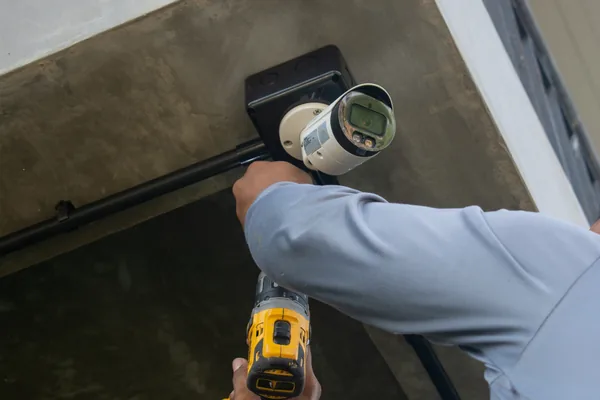
Cameras mounted, terminated, aimed. Panel and sensors installed. Rack built to be opened, not buried.
Commissioning
The step everyone skips. Exposure, shutter, IR cut-in and motion zones set on every camera individually, at night, in real conditions. A camera left on factory defaults is one you will be unhappy with.
Training and support
We stay until you can pull footage, export a clip and arm the panel without thinking. If you are signed up for one of our 24/7/365 service plans, we can triage problems at night, not just during business hours. See our service plans.
New Construction vs. Retrofit
New construction. Camera locations are a framing decision, not a trim decision. We want home runs to one rack location, blocking behind every soffit position, conduit sleeves to the gate and any outbuilding, and a dedicated circuit at the rack. Cable is cheap while walls are open, expensive the day after drywall.
Retrofit. The house tells us what it costs. Late-90s builds usually have coax and Cat5e we can assess and sometimes repurpose. Pre-war homes have plaster and lath with wire mesh in it and no consistent stud bays, so we work attic-down and basement-up and name the difficult drops before you sign. Brick exteriors mean a detached garage needs a wired or point-to-point link, not a repeater.
FREQUENTLY ASKED QUESTIONS
Questions We Get Asked.
Not on a wide lens. A 4K camera with a standard 2.8mm lens covers about 70 feet of scene at 30 feet away, roughly 55 pixels per foot. Reading a plate on a moving car at night needs 100 pixels per foot and up, which means a 12mm or longer lens aimed at one choke point.
Thirty days is the right target, because most questions arrive weeks after the event. Eight 4K cameras recording continuously consume roughly 690 GB per day, so 30 days needs about 21 TB. Smart-codec motion recording cuts that 40 to 60 percent, so most of our systems hit 30 days on 12 to 16 TB.
Both, with different jobs. A local NVR is your system of record: no monthly fee, full resolution, full retention, and it keeps recording when your internet drops. Cloud backup on two or three critical views protects you if somebody takes the recorder.
Call us. If you are on one of our 24/7/365 service plans, after-hours calls are triaged that night, not queued as a ticket. Most problems are firmware, a switch port or a network issue, and get fixed remotely while you are on the phone. Anything needing a truck is scheduled first thing. Need help? Visit our Service and Support page to explore our residential support plans.
Yes, if they are specified and placed for it. Mount under soffit rather than open fascia so ice dam runoff stays off the lens. Use housings rated to -22 degrees Fahrenheit with internal heaters, and size the PoE switch for the winter night draw those heaters add.
Free Consultation.
Clear Package Quotes.
We will walk the property, draw the camera plan, and hand you a clear package quote. If you need less than you thought, we will say so.