Control Who Gets In. Know Who Already Did.
You have nine keys out. The cleaner has one. The dog walker has one. Your sister has one, and the contractor who redid the basement in 2019 never gave his back. A key cannot be revoked, only rekeyed, and nobody rekeys a house over a landscaper.
Access control replaces the key with a credential you can issue, schedule and cancel from your phone, and leaves a record of every door event. Our own crews. No shortcuts.
RESIDENTIAL SERVICES
Control Who Gets In. Know Who Already Did.
Cameras, recording and alarm monitoring live on our security and surveillance page. This page is the doors.
Smart Locks and Deadbolts
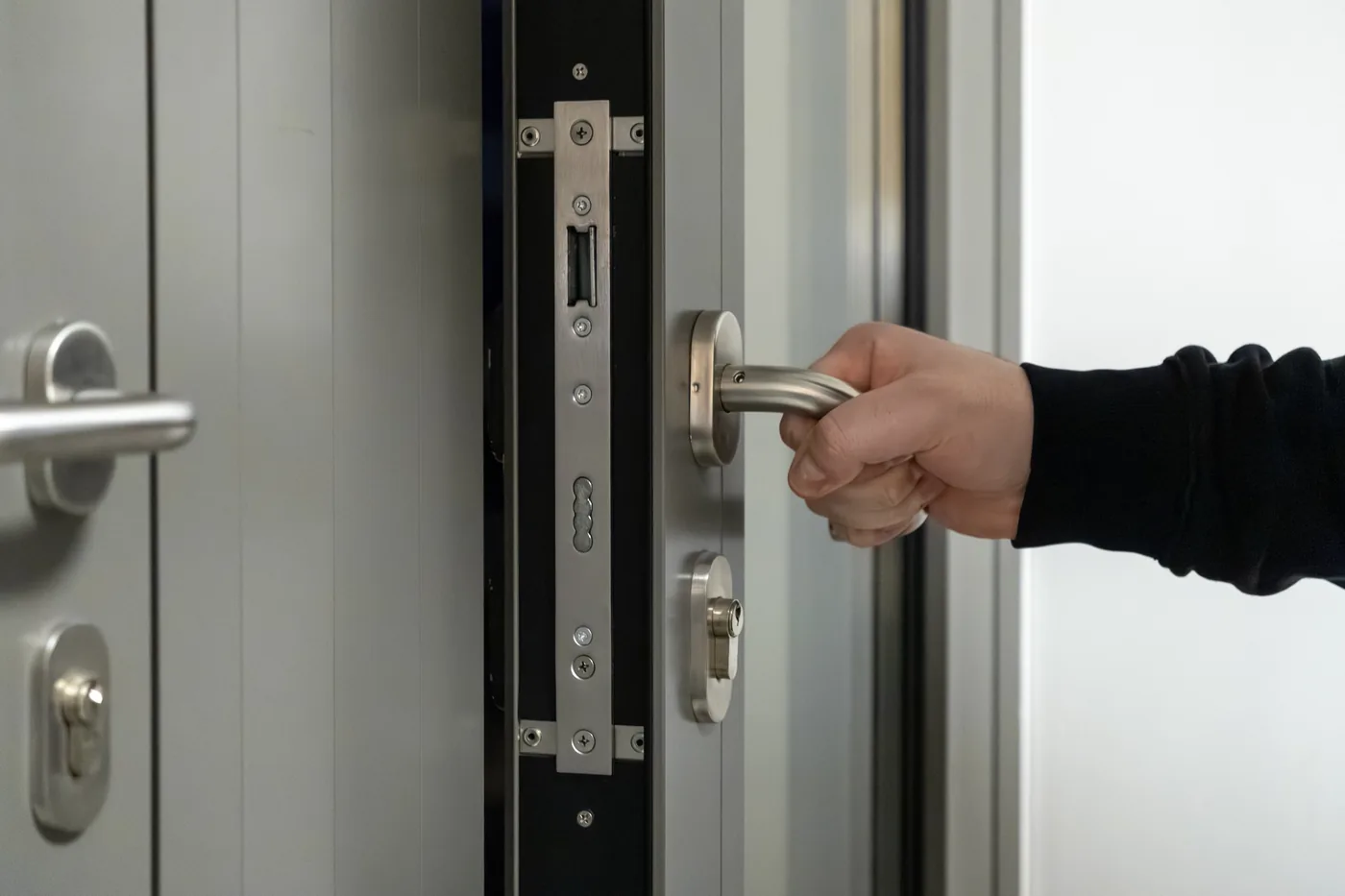
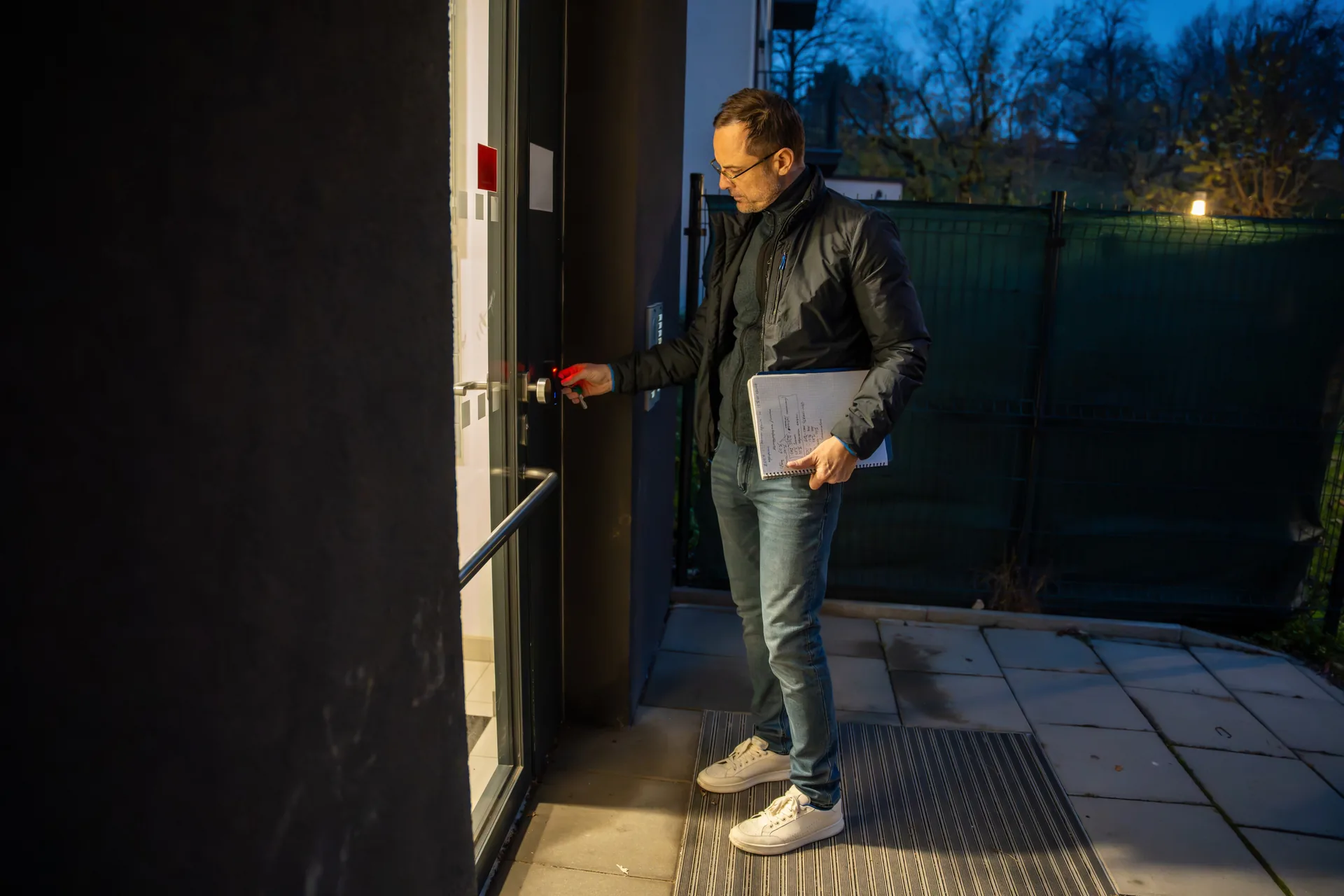
Motorized deadbolts on the front door, the mudroom and the garage entry. They take a code, a phone, a fob or a key, report state back to your system, and log every unlock by name.
Keypads, Fobs and Mobile Credentials
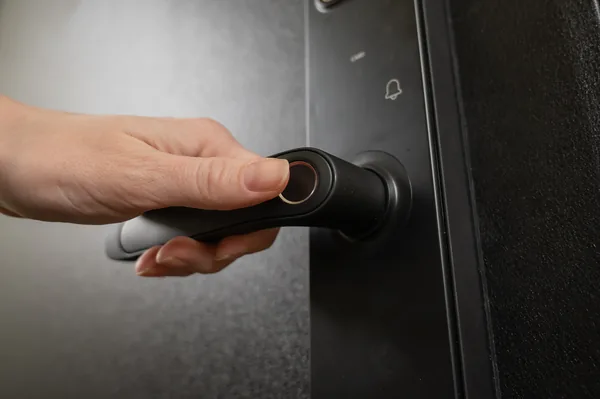
A keypad at the garage and pool gate covers people who should never need an app. Mobile credentials cover the family. Fobs cover the housekeeper who does not want an app on her phone. Most houses need all three.
Video Intercoms and Gate Stations
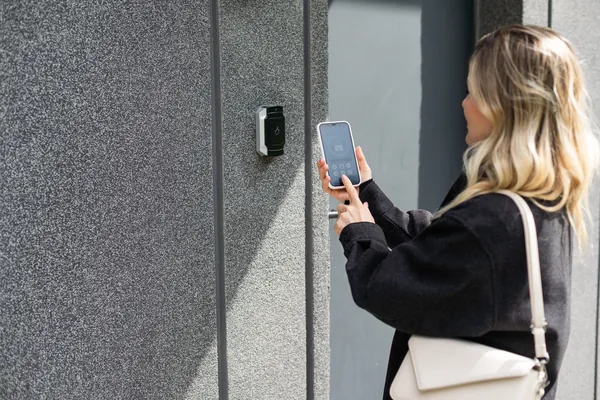
An intercom lets you see whoever is at the door, talk to them, and release the lock without walking over. A gate station does the same at the end of the drive.
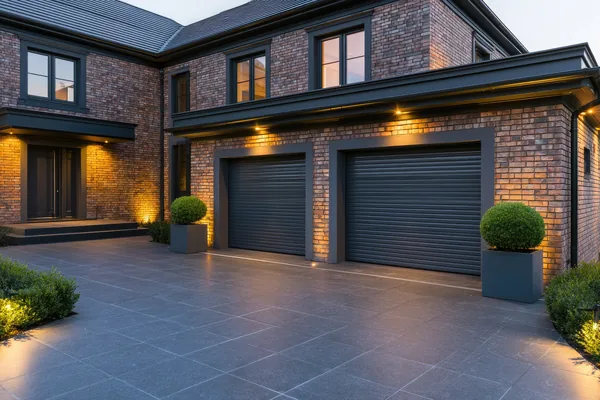
Gates, Operators and the Garage
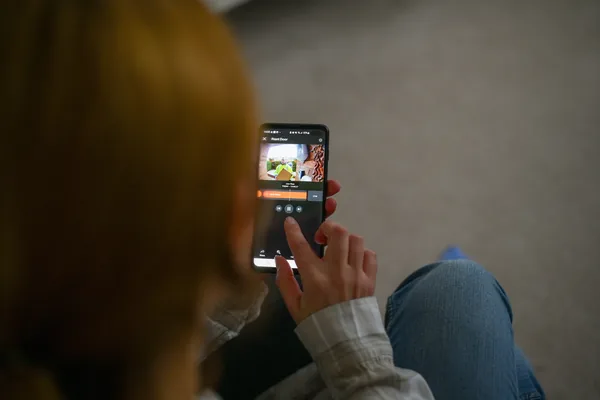
Swing or slide operators, safety loops, photo eyes, keypads and call boxes, plus garage doors in the same app, so the one that gets left open all night stops getting left open.
All of it writes to one audit log: who came in, which credential, what time.
Smart Locks, Honestly. Which Ones Fail, & Why.
Most smart lock failures are not the lock. They are the door. A door that needs a shoulder to close will not throw a motorized bolt, because the bolt is fighting a misaligned strike. The motor stalls, the battery drains chasing it, and you blame the hardware. Two hundred dollars of carpentry beats a six hundred dollar lock. We check swing, strike and bolt throw before we quote.
Grades and Hardware
ANSI/BHMA rates deadbolts by cycle life: Grade 1 at 250,000 cycles, Grade 2 at 150,000, Grade 3 at 100,000. Buy Grade 1 or 2 on any door in daily use. Insist on a full one-inch throw and three-inch screws landing in framing, not just the jamb. That last detail is the cheapest security upgrade in the house.
Retrofit units mount over your existing deadbolt and keep your keys, which helps on a designer or historic entry. They depend on the interior thumb turn spinning freely, and on a swollen door they strip. Full replacement buys a stronger motor and a proper keypad, and changes the exterior hardware your designer specified.
Radios and Battery Life
This is where buyers get burned. A Wi-Fi lock keeps a power-hungry radio associated with your router and runs 2 to 4 months on alkaline AAs. A Z-Wave, Zigbee or Thread lock talks to a nearby hub on a low-power mesh and runs 9 to 12 months on the same cells.
Alkaline capacity also falls off a cliff below about 20 degrees, so a gate keypad that tested fine in October dies in the first cold snap. We put lithium AAs in every exterior device; they hold capacity to -40.
What We Actually Specify
Our default on a Control4 or Crestron house is a Yale Assure with a Z-Wave or Zigbee module, because it talks to the controller locally instead of through a vendor cloud. Schlage Encode is right on a standalone door: strong motor, real keypad, roughly six months of battery. Level hides the hardware inside the bolt and looks superb, but the motor is small and it wants a well-hung door.
We do not spec fingerprint readers on exterior doors in cold climates: cold, wet or gloved hands read badly. And we avoid discount Wi-Fi locks entirely.
What Happens in a Power Outage. And When the Wi-Fi Drops.
A residential smart deadbolt is mechanically independent of the house. Lose power and the bolt still throws by hand, the key still works, and the lock runs on its own batteries.
The Wi-Fi question is the one worth asking your integrator. A lock that routes every command through a manufacturer’s cloud stops answering the app the moment your internet drops. A lock on a local mesh keeps working from your keypads and in-house app, because the controller is in your basement, not in Virginia.
Gates need real power. Every operator we install gets a battery backup rated for a number of cycles and a manual release. Operators fall under UL 325 and ASTM F2200, which require entrapment protection: photo eyes, edge sensors and force limits, correctly set. Not a place to save money.
Gates, Keypads and Freeze-Thaw.
Frost moves your gate posts. Footings go below the roughly 42-inch frost depth this region builds to, and a post still shifts across a hard freeze-thaw cycle. The gate binds, the operator reads the load as an obstruction, and it stops mid-swing. We set final force limits after the first spring thaw, not on install day in November.
Slide gates and ice. A V-track gate collects ice and packed snow in the track, and then it does not slide. A cantilever gate carries its weight on side rollers with no ground track at all. Where winters are hard, it is worth it.
Photo eyes see snow banks. Loops do not. Beam sensors get blocked by plow piles and fog in freezing drizzle, and a blocked beam means a gate that will not close. Saw-cut inductive loops keep detecting vehicles under a foot of snow. We use loops for detection, photo eyes for safety, never one for both.
Exterior keypads in sub-zero. Capacitive touch reads poorly through gloves and misreads under a film of ice. Physical push buttons work at 5 degrees with a mitten on. Pair them with lithium cells and a gasketed enclosure.
The long-driveway problem. Estates routinely have 400 to 800 feet between house and gate. Cat6 stops at 328 feet, so past that we run single-mode fiber in conduit to a media converter and a PoE injector at the pedestal. If the drive is not poured, get conduit in the ground now, while it is easy.
How The Work Actually Goes.
Survey
We open and close every door on your list: swing, strike, gap, bolt throw, existing hardware, where power is.
Design
A door schedule with the lock, credential type and access rule for each opening. Gate layout with operator class and loop positions.
Rough-in
Conduit to the gate, power at the intercom, low-voltage back to the rack, before the drive is poured and before drywall.
Trim and hardware
Locks hung, keypads set, intercom flush-mounted. Carpentry first.
Commissioning
Force limits and entrapment protection tested on every gate. Credentials issued. Schedules built: the cleaner Tuesdays 9 to 1, the plow service November through March, the contractor’s code expiring Friday.
Training and support
You finish knowing how to add a code, revoke one and read the log. If you are signed up for one of our 24/7/365 service plans, we can triage problems at night, not just during business hours. See our service plans.
New Construction vs. Retrofit
New construction. Two decisions cost almost nothing now and a fortune later: conduit under the driveway before it is poured, and power plus low-voltage at every door and gate position during rough-in. Doors should be hung and adjusted before locks go on, so we coordinate with your builder at trim, not after the punch list.
Retrofit. Almost every door takes a smart lock, and most of the work is door prep, not electronics. Pre-war entries often have non-standard bore patterns and thick slabs that need a specific lock body, which we confirm by measurement before ordering. An existing gate can usually keep its operator if the brand is still supported. A 1990s unit with no safety loops gets replaced, because retrofitting entrapment protection onto obsolete hardware is not something we will sign our name to.
FREQUENTLY ASKED QUESTIONS
Questions We Get Asked.
Discount Wi-Fi locks fail most: underpowered motors and batteries that last two to four months. Retrofit units riding on your existing thumb turn strip on swollen doors. We default to Yale Assure with a Z-Wave or Zigbee module on integrated homes, and Schlage Encode on standalone doors. We do not spec fingerprint readers on exterior doors in this climate.
Nothing. A residential smart deadbolt runs on its own batteries, throws by hand and still takes a physical key, so a power cut never locks you out. Gate operators need power, so every one we install gets a battery backup rated for a number of cycles plus a manual release.
It depends on the lock you bought. One that routes commands through a manufacturer’s cloud stops answering the app the moment your internet drops. A lock on a local Z-Wave, Zigbee or Thread mesh keeps working from your keypads, touchscreens and in-house app, because the controller is in your basement.
Need help? Visit our Service and Support page to explore our residential support plans.
A Z-Wave or Zigbee lock runs 9 to 12 months on alkaline AAs. A Wi-Fi lock runs 2 to 4. Winter matters outdoors: alkaline capacity drops sharply below about 20 degrees, so gate keypads that tested fine in October quit in January. We use lithium AAs on every exterior device.
Yes, and it is the feature people use most. Codes are issued by name, limited to specific days and hours, and set to expire on a date. Your log shows which credential opened which door and when, so you can see the dog walker came at 12:14 and the contractor never used his Thursday code.
Call us. On our 24/7/365 service plans, after-hours calls are triaged that night, not queued as a ticket. Most lock problems are batteries, a strike out of alignment or a hub that dropped, and we resolve those remotely. Gate faults need a truck, scheduled first thing.
Need help? Visit our Service and Support page to explore our residential support plans.
One Walkthrough.
One Clear Quote.
We will open every door on your list, tell you which need carpentry before hardware, and price it as a clear package.